Reading CSV DataFrame
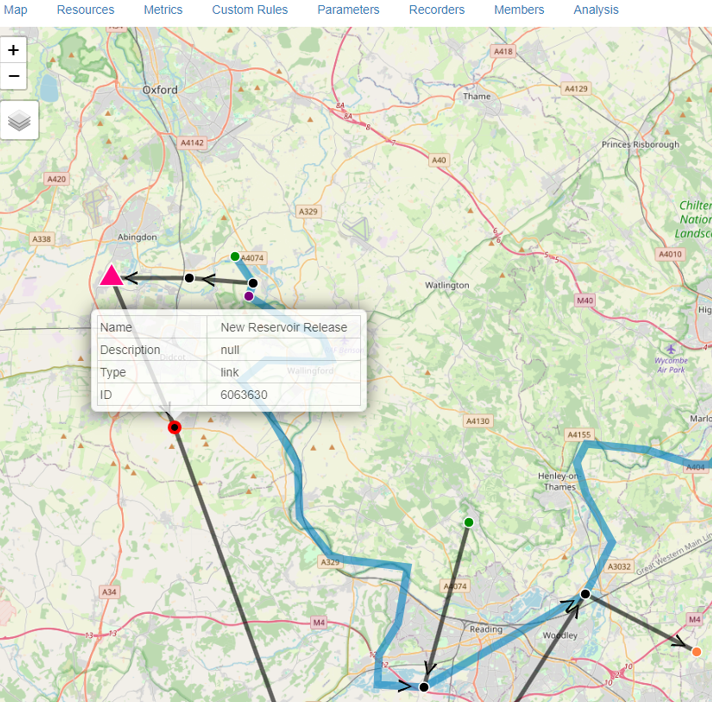
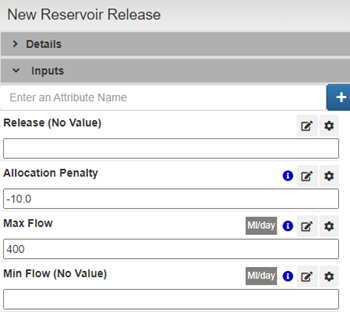
Go to New Reservoir Release node and change Max Flow to -400, this will allow to flow water through this node
The downloaded file, Thames_Lee_Valley_demand.csv, contains a time series dataset structured with two key columns:
timestep: This column will serve as the index for the time series. It represents the progression of time in the dataset, allowing for chronological organization.
Lee Valley Demand: This column contains the data representing demand values in the Lee Valley.
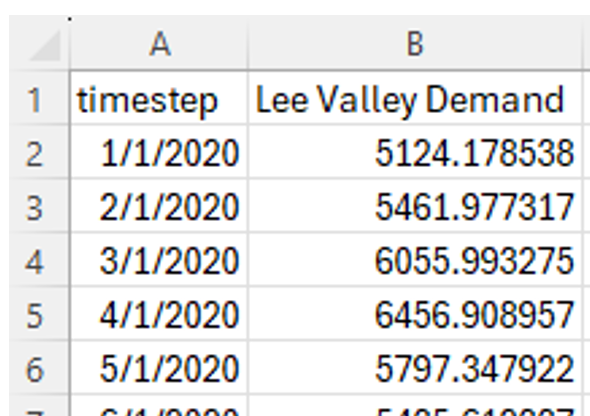 Thames_Lee_Valley_demand
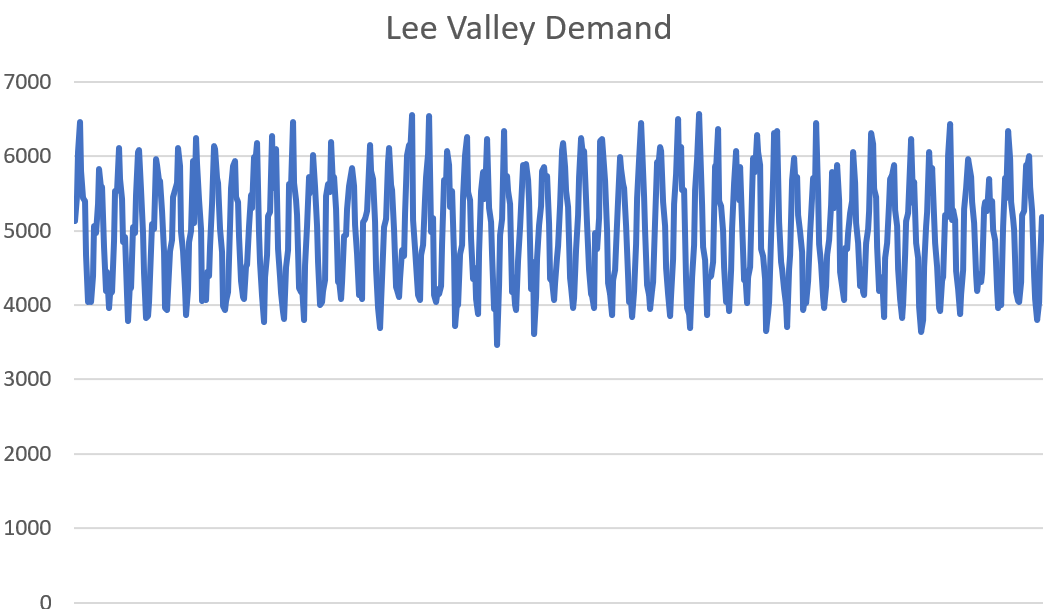
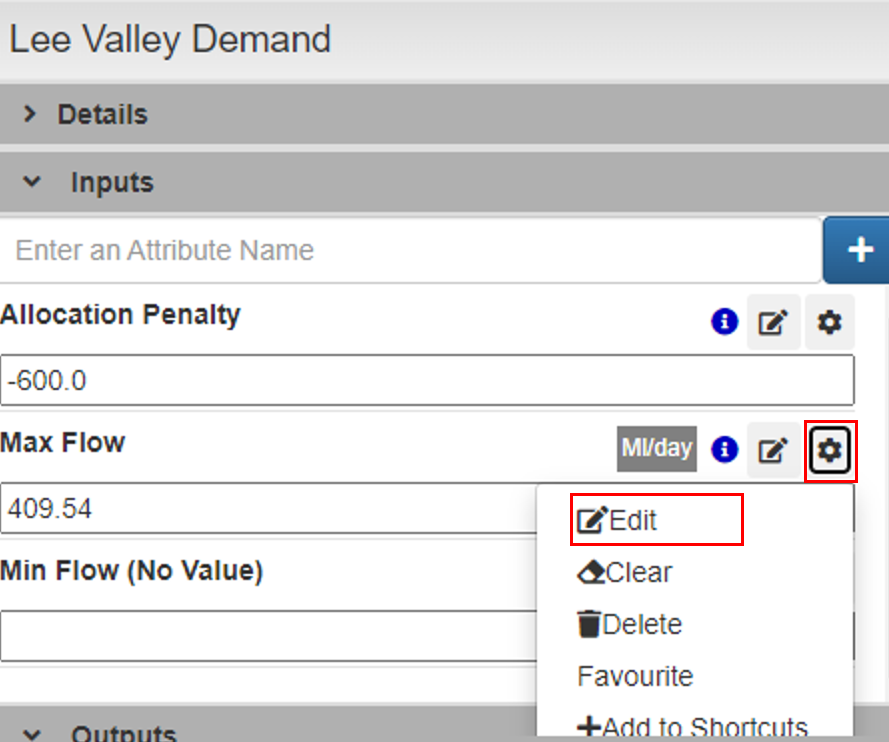
Select the output node Lee Valley Demand and Edit the Max Flow
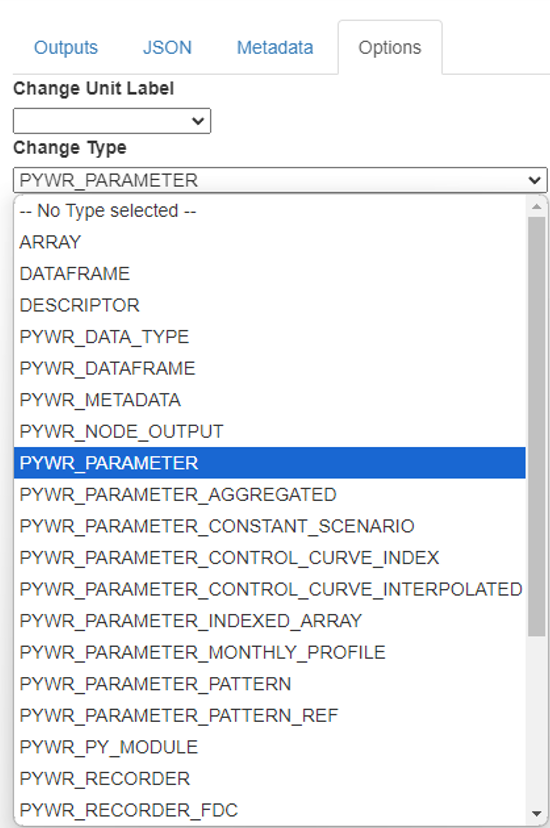
In Options select PYWR_PARAMETER
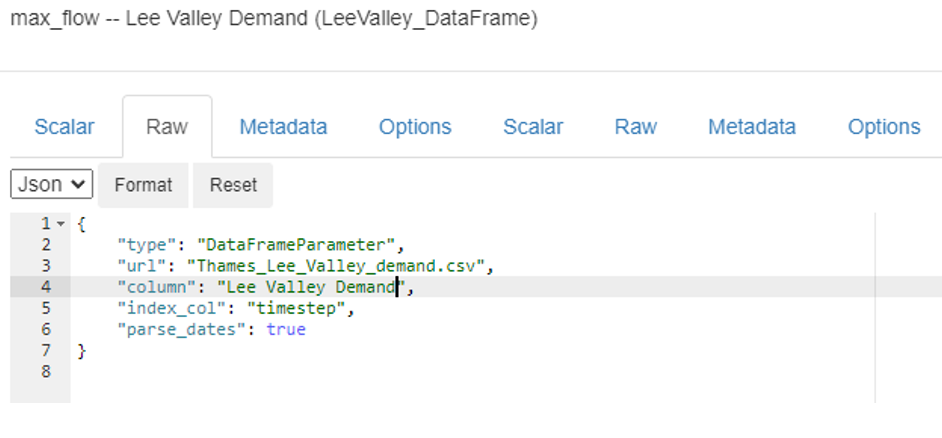
Paste the following configuration:
{ "type": "DataFrameParameter", "url": "Thames_Lee_Valley_demand.csv", "column": "Lee Valley Demand", "index_col": "timestep", "parse_dates": true}Now it should look as the following image:
Results
Section titled “Results”Click on node Lee Valley Demand > Outputs > simulated_flow to see results of the simulation
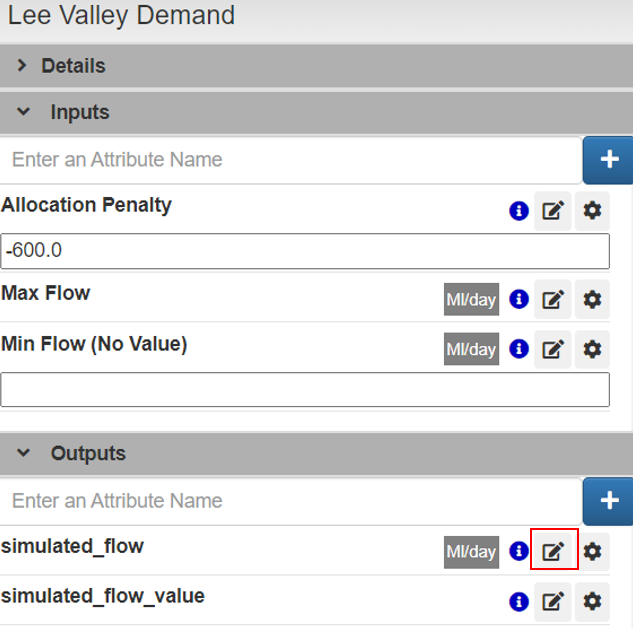
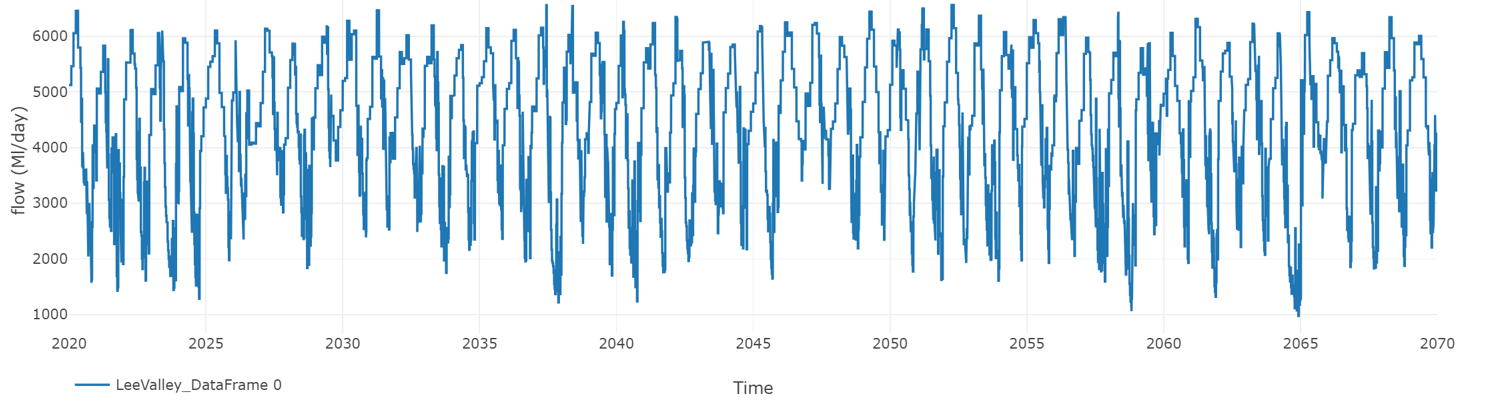 simulated_flow (Lee Valley Demand)
Now check the simulated_volume for New reservoir
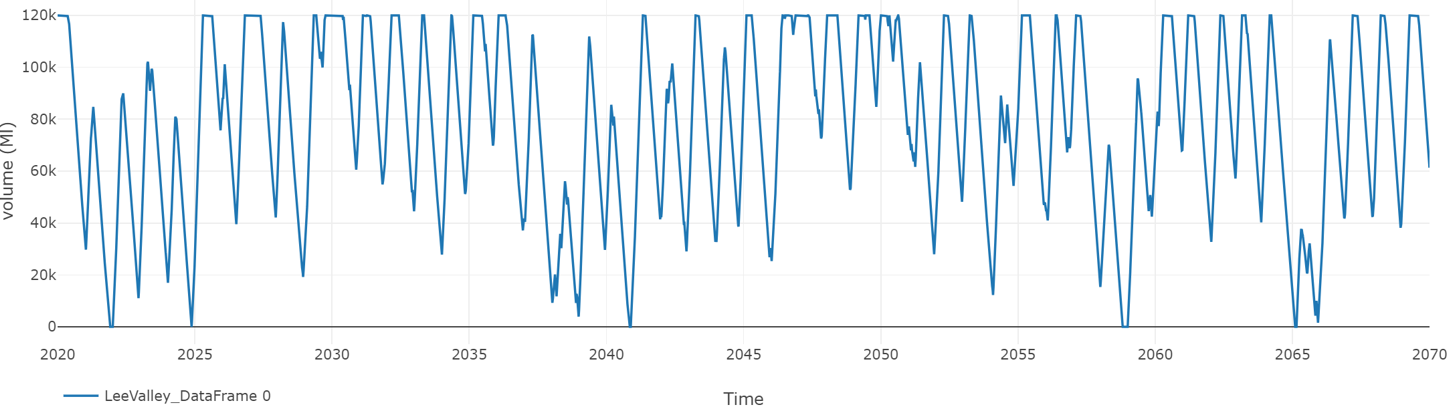 simulated volume (New Reservoir)