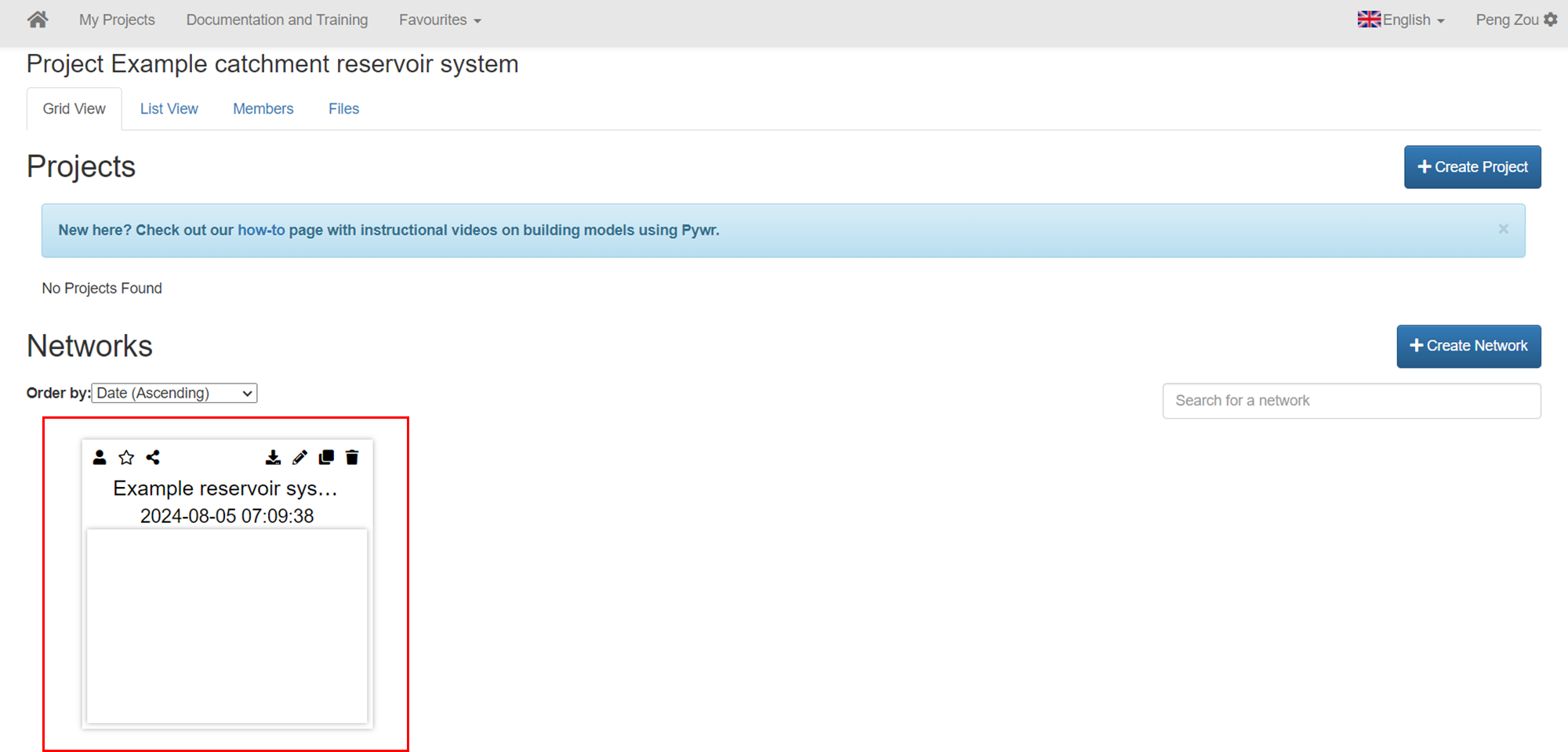
Creating a New Project and Network
1. Create a new project
Section titled “1. Create a new project”- Click Create Project.
 Create a new project
- Enter the project name and click Add.
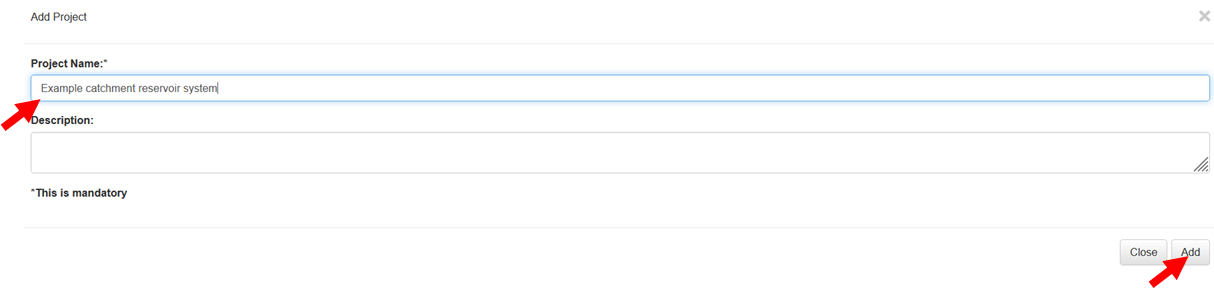 Name the project
2. Click the created project and open it
Section titled “2. Click the created project and open it”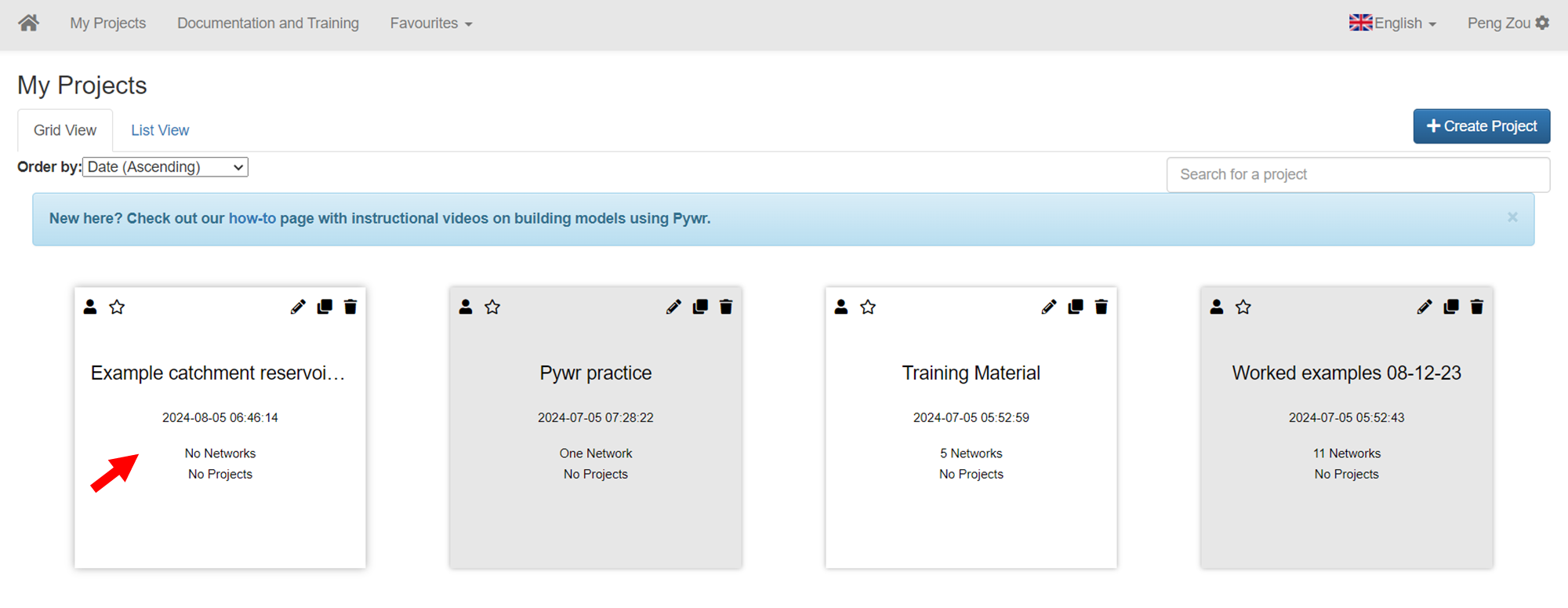 Open the created project
3. Within the project create a new network
Section titled “3. Within the project create a new network”- Click Create Network.
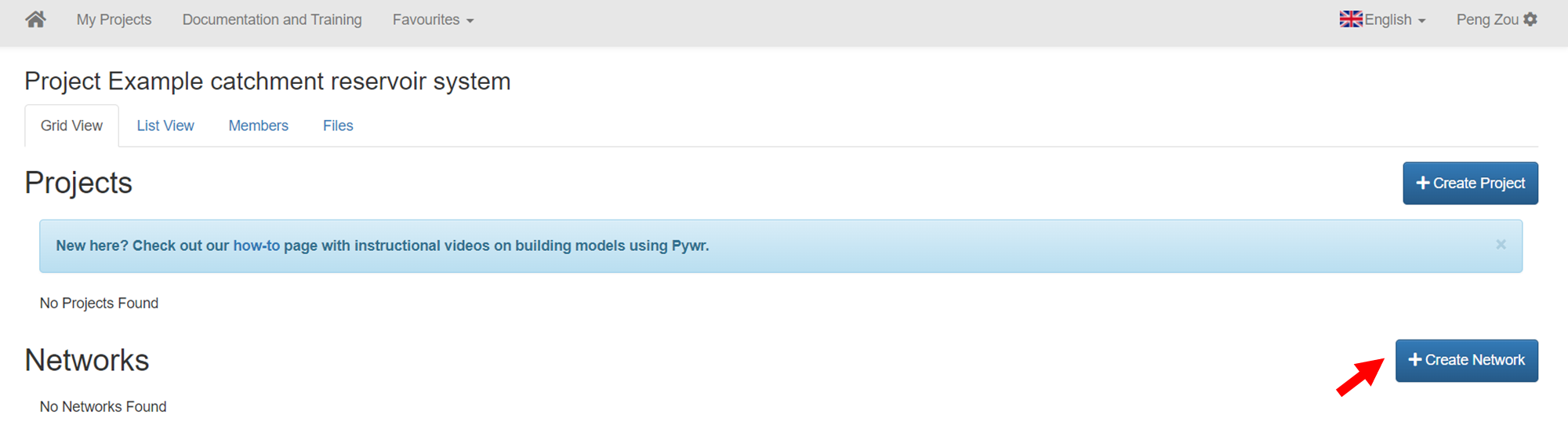 Create a new network: step 1
- Select manual, enter the name for the network ‘Example reservoir system network’, and select the template name according the screenshot.
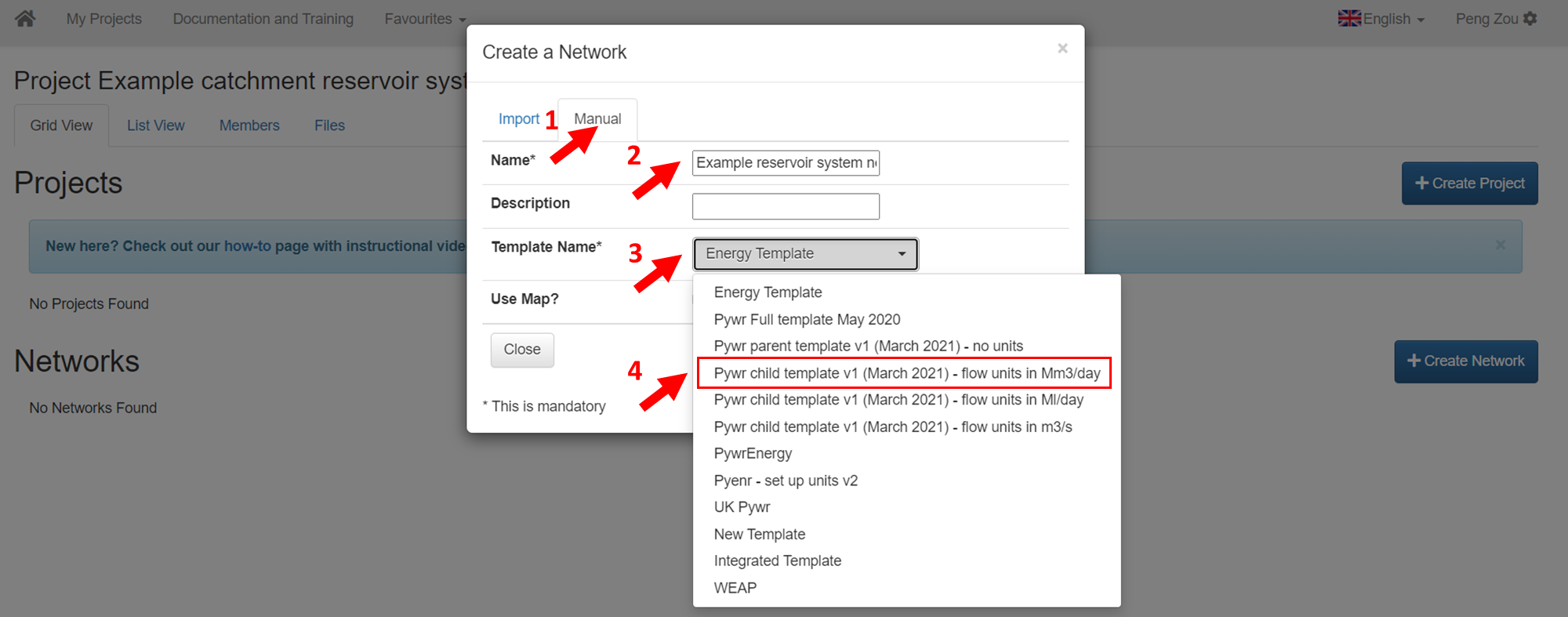 Create a new network: step 2
- Choose Use Map and click Submit.
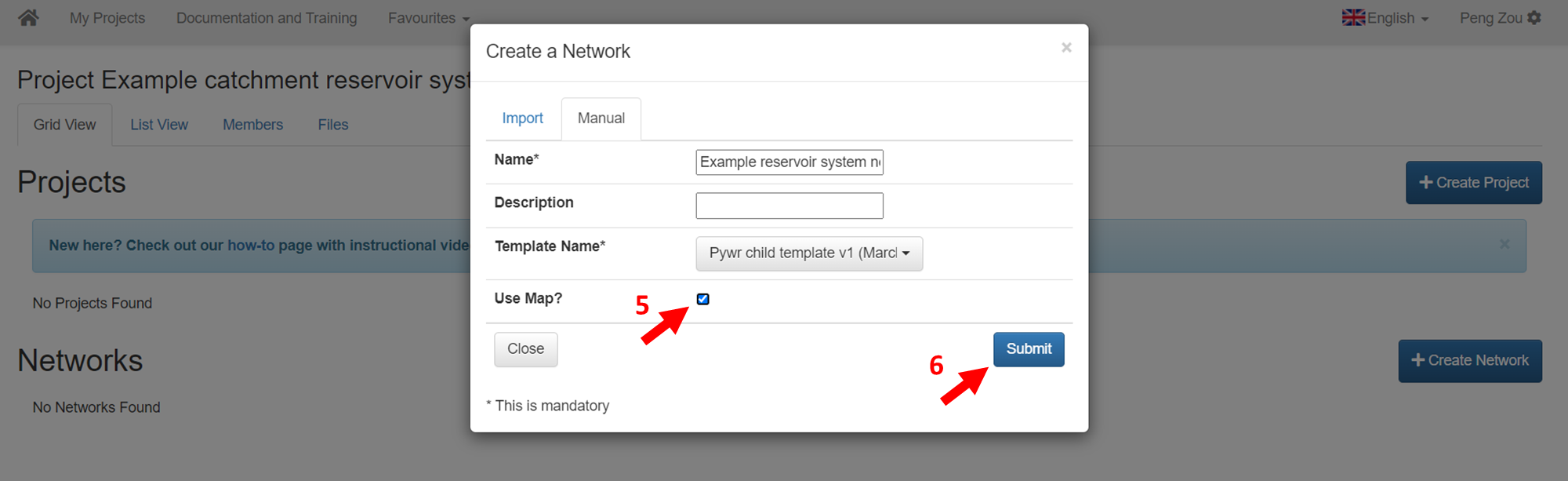 Create a new network: step 3
- Finally, you can find your created network here.