Creating an Account
Watch the video or follow the text below. WaterStrategy accounts are made on https://hydra.org.uk/register (‘Hydra’ is the name of our web server).
How to create an account on Water StrategyCreating an Account
- On the WaterStrategy webpage select “LOGIN” in the upper right corner.
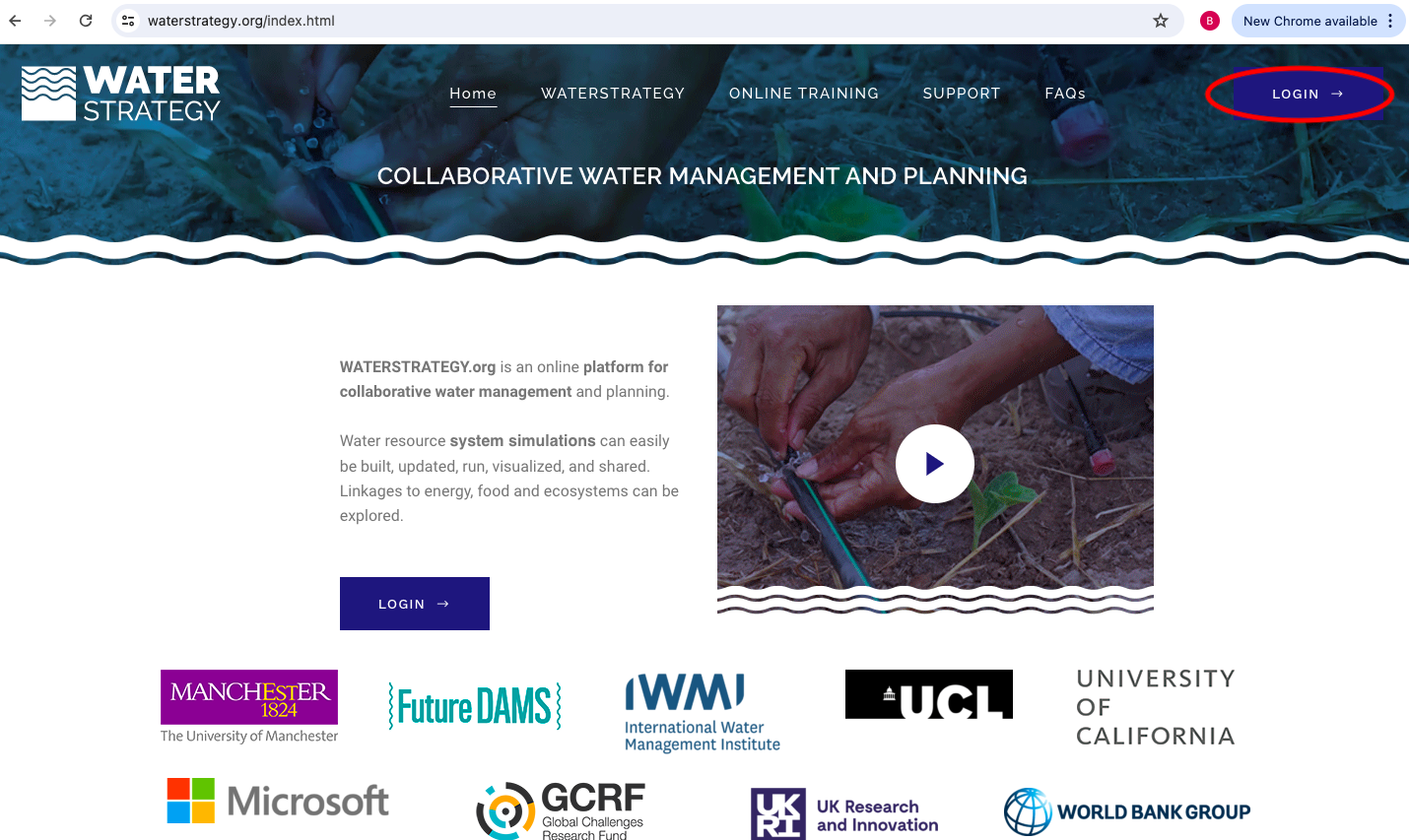
- Select “Create an account” at the bottom of the webpage “Login” brings you to.
- In the register page, enter your email, first name, last name, organization type, organization, country or region, create a password, select “I’m not a robot”, and check the three boxes.
- Then select “Register”.
- An email confirmation will be sent to you to confirm your account. Make sure to also check your spam folder.
- Your account has been created.
Login
- To log in, visit https://hydra.org.uk/login or use the WaterStrategy webpage “Login”
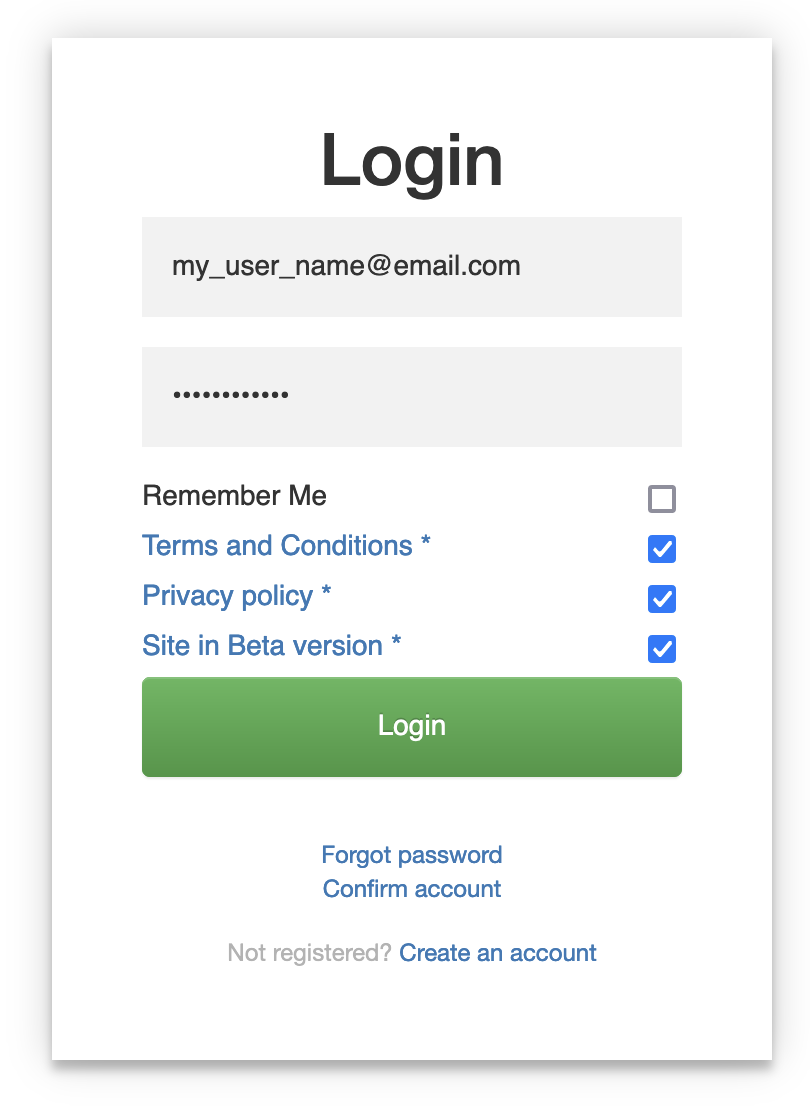
- Enter your email and password and check the three bottom boxes again. Choose “Remember Me” if you wish.
- Then select “Login”.
- You will be at the Water Strategy interface homepage.